
The Digital Transformation Hub for Your Cylinders
In fire safety, medical gas and industrial cylinder sectors, stock tracking means knowing where every cylinder is, who it was delivered to, when it was refilled and whether its periodic inspection documents are complete. In this presentation we will walk step by step, with worked scenarios, through the system that unites every process on one platform – from inventory to field delivery, from periodic maintenance to customer reporting.
What ARCA Yazılım does differently
There are many stock management products on the market. These are the differences that set this system apart.
General-purpose stock software does not cover the inspection criteria of fire extinguishers or the legal requirements of medical gas refilling. Inspection criteria, authorised signature fields and document templates all grew out of the sector's real needs.
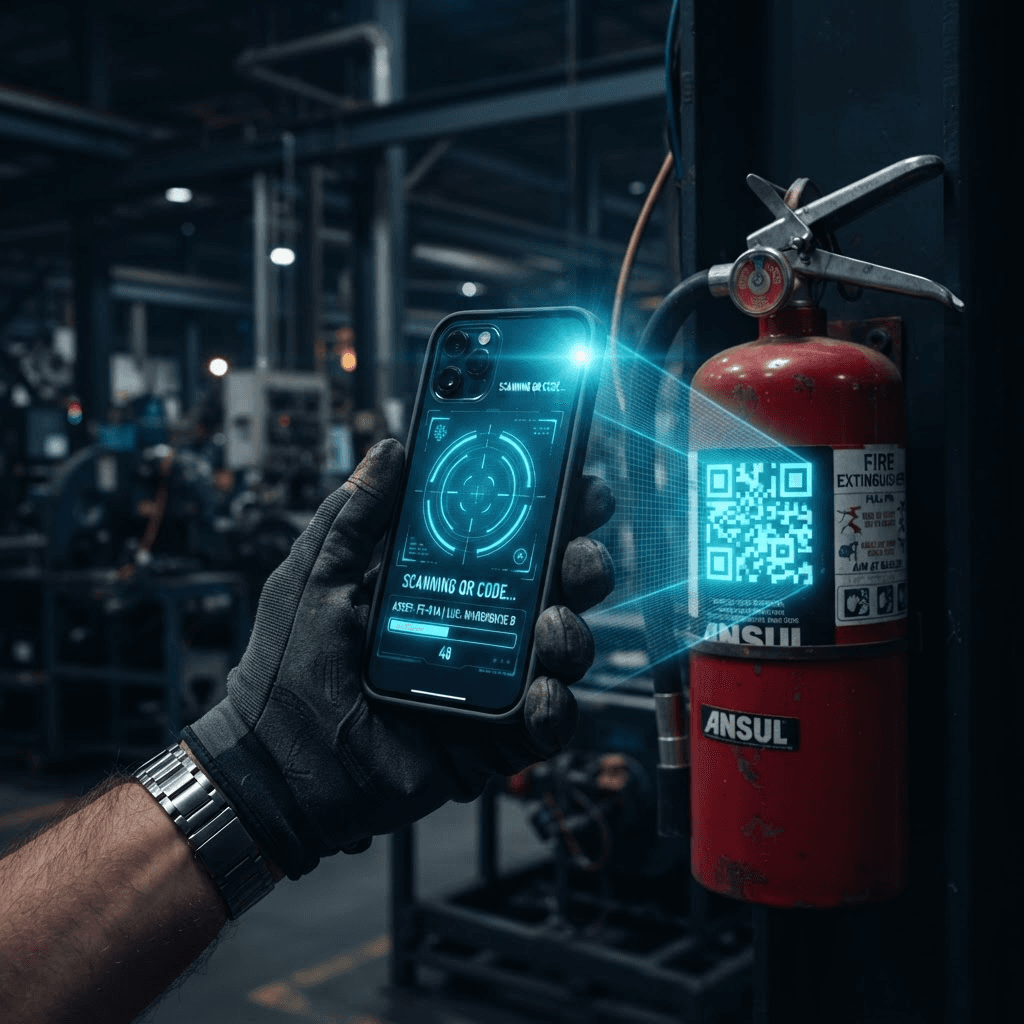
The unique QR code assigned to each cylinder keeps its entire lifecycle on record. Which warehouse, which customer, which vehicle it sits in is visible on a field technician's phone within seconds.
Sales, purchasing, refilling, transfer and field delivery documents are archived. Once an invoice is issued, changes are blocked; periodic inspection reports are archived digitally with authorised approval.
Your customers can see the status and maintenance dates of their cylinders from their own panel. When a problem arises in the field, both the company and the customer reach the same data instantly.
Cylinder positions can be defined down to building, floor, section, production line and workstation level.
With Paraşüt accounting integration, stock movements are matched to financial processes automatically. Stock, document, warehouse, organisation and role types sit on a fully customisable parametric infrastructure.
From field to management, one uninterrupted flow
Every role touches the system from its own screen; the data merges in one centre and everyone sees the same truth.
Everyone who logs in sees total customers, users, documents and stock, the stock distribution chart and warehouse details on one screen.
Field staff scan the cylinder's QR code on a mobile device, reach its full history and record the job in the system instantly.
Warehouse staff create a purchasing, sales, refilling or transfer document in minutes; documents are numbered and archived automatically.
Managers and executives monitor the whole operation live through reports and dashboards, seeing critical stock and upcoming maintenance.
All data is stored securely in the cloud and exported to Excel or PDF whenever needed.
The system runs in a web browser and as a mobile app on Play Store and App Store.
Everyone on their own screen, one single source of truth
The login page has separate entry points for users and customers. When signing in as an admin, the system asks which company you want to enter.
Manages every organisation and every module. After login, selects which company to enter; the sole authority over organisation, subscription, type and definition screens.
Manages their own company's users, permissions and all operational modules; has access to period and location definitions.
Works with day-to-day operational screens such as document creation, stock transactions, inspection and reporting.
Views the status, history and maintenance dates of their own cylinders from a dedicated customer panel.
For admin, manager and user, the whole picture at a glance
The home page brings totals, stock distribution, transport vehicles, warehouse details and recent documents together on one screen.
| Document No | Document Type | Customer | Source | Vehicle | Date |
|---|---|---|---|---|---|
| BLG-10245 | Refilling | Anadolu Sanayi A.Ş. | Empty Stock Warehouse | 34 ARC 07 | 15.08.2026 |
| BLG-10244 | Sale to Customer | Marmara Medikal Gaz | Full Stock Warehouse | 06 ARC 42 | 14.08.2026 |
| BLG-10243 | Field Delivery | Kadıköy Tekstil Ltd. | Transport Vehicle Warehouse | 34 ARC 07 | 13.08.2026 |
One scan, the whole lifecycle
The unique QR code assigned to each cylinder records every step from production to refilling without a gap.
Every movement, recorded on a document
Sales, purchasing, warehouse transfer, refilling and field delivery transactions are all documented and archived; the document list can be filtered by date, type and column.
- · Document No
- · Customer Name
- · Source
- · Target
- · Transport Vehicle
- · Description
- · Document No
- · Customer Name
- · Source
- · Target
- · Transport Vehicle
- · Description
- · Document No
- · Source
- · Target
- · Description
- · Document No
- · Source
- · Target
- · Description
- · Document No
- · Source
- · Target
- · Description
| Document No | Document Type | Customer Name | Line Count | Target | Description | Date |
|---|---|---|---|---|---|---|
| BLG-10245 | Refilling | Anadolu Sanayi A.Ş. | 12 | Full Stock Warehouse | Periodic refilling | 15.08.2026 |
| BLG-10244 | Sale to Customer | Marmara Medikal Gaz | 6 | Customer Stock Warehouse | Monthly dispatch | 14.08.2026 |
Every stock record carries its own full history
Every item registered by stock code, serial no, barcode and QR code is managed from a single record, together with its attributes, units and inspection history.
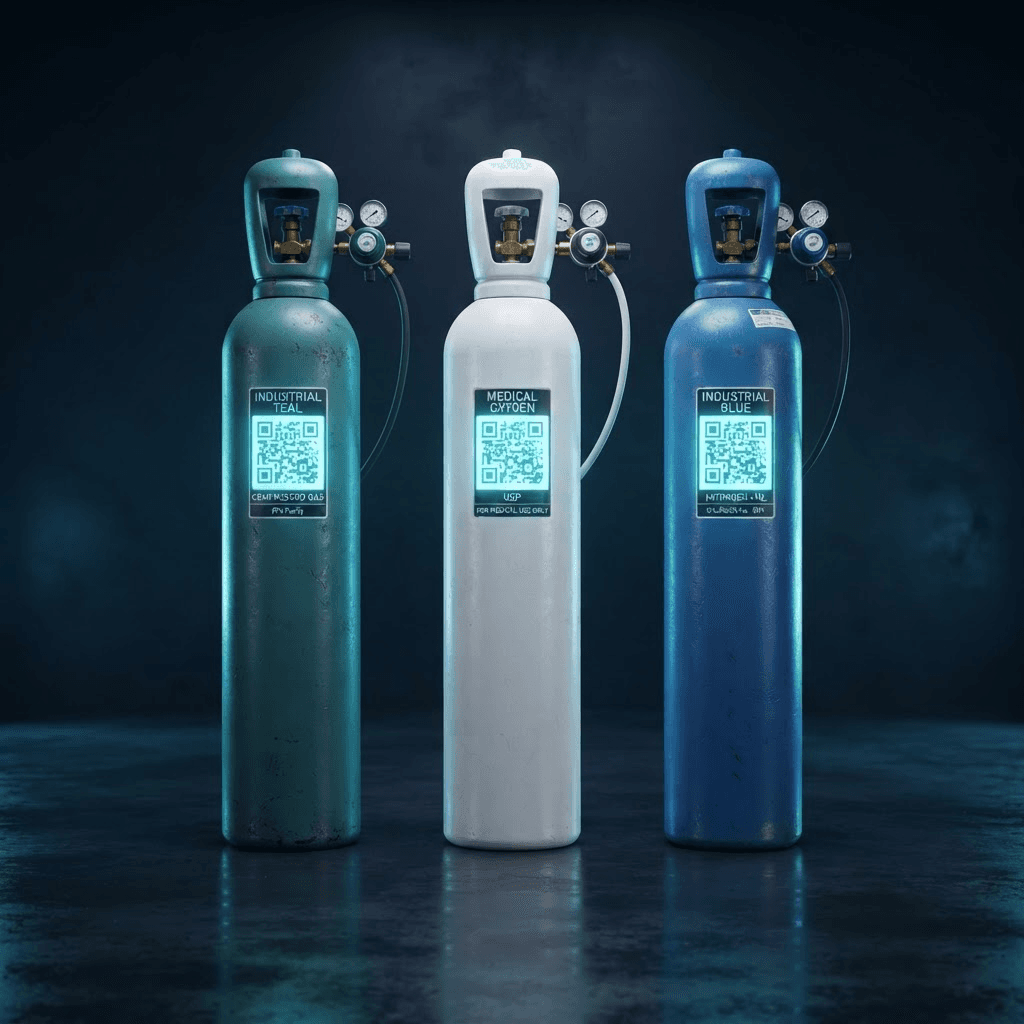
Technical attributes specific to each stock type are defined with attribute name, value and unit.
Conversion between different units of measure using unit name, multiplier and a default unit definition.
More than one barcode and unit can be matched to a single stock record.
A new inspection form is added and viewed in Excel with its author, date and inspection note.
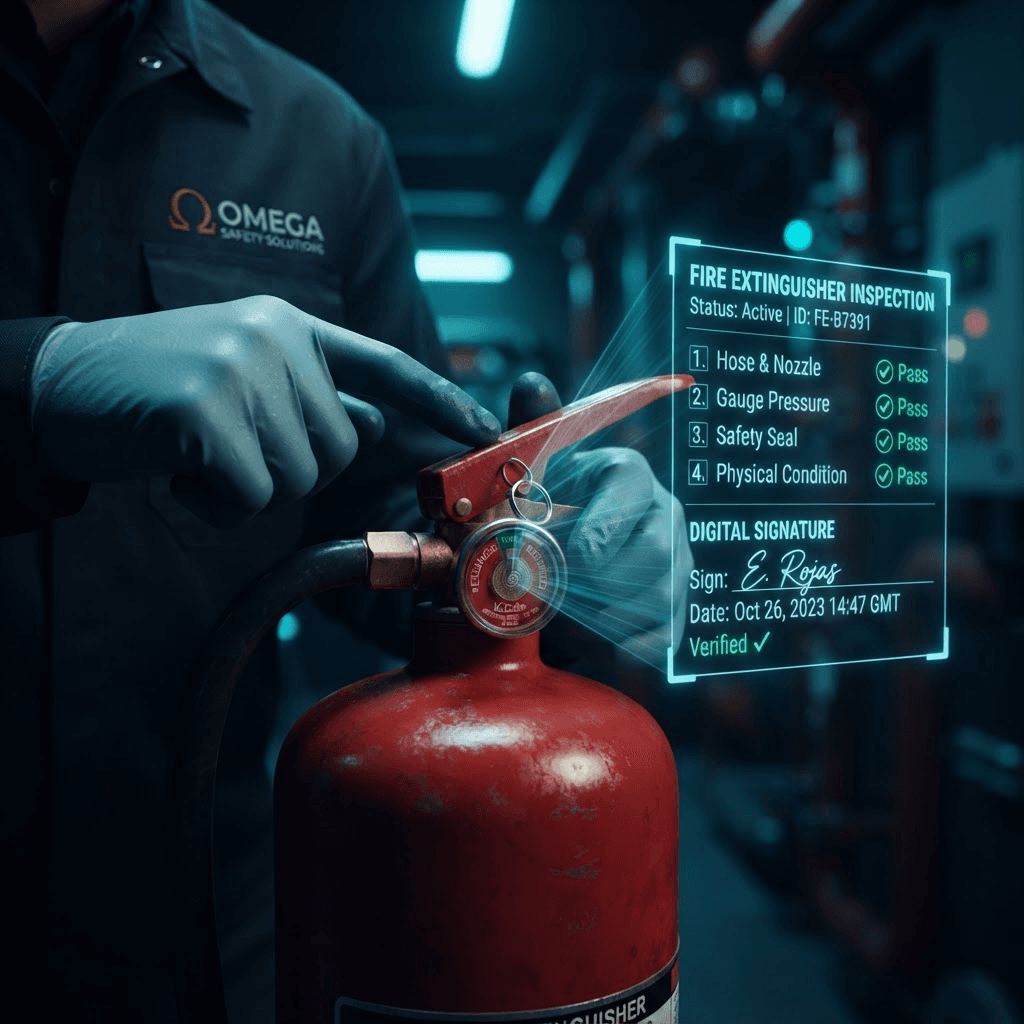
Dozens of criteria, one signed digital report
Once a customer is selected, inspection criteria are ticked one by one for all their stock; the result is downloaded as an Excel report with invoice status and inspector details.
From warehouse to workstation, millimetric position tracking
With different warehouse types, transport vehicles and hierarchical locations, the physical position of every cylinder is known at all times.

Position data is updated automatically; customer locations are defined in the same tree structure, branching into companies and warehouses.
Transparent service through a dedicated customer panel
The customer record brings identity and contact details together with every cylinder they own in one place. Customers reach the same data from their own panel.
Sees the current location and status of every cylinder they own.
Reaches past maintenance and refilling records from a single screen.
Is notified before the next periodic inspection date.
For every question, a report already waiting
Six report types, filtered by customer, warehouse, stock type and date range, and exported in Excel format.
Lists stock code, serial no, type, document, warehouse, customer, price, quantity and the responsible person.
Export to ExcelAn extended view with additional fields such as stock unit, barcode, production date and document description.
Export to ExcelTracks how empty and full stock quantities change over time.
Export to ExcelCompares empty / full warehouse stock counts filtered by stock attribute.
Export to ExcelShows stock-level inspection notes and responsible staff alongside warehouse details.
Export to ExcelCombines inspection and refilling dates with organisation and customer details in one list.
Export to ExcelThe power of the field, on Play Store and App Store
With the mobile app, field teams run every operation they carry out on site from a single app – even offline.

One platform, multiple companies, full control
With parametric definitions, role-based permissions and transparent logging, the system scales safely to growing, multi-branch organisations.
The admin manages all users, the manager their own company's; fine-grained permissions are set per resource.
Several companies or branches are managed from a single admin panel; definitions can be copied to other organisations.
Cities, taxes, units, periods and dispatch note printing settings are configured parametrically.
Document, warehouse, stock, role and organisation types are fully customisable and can be redefined to fit the business model.
Headings and sub-headings in the side menu can be added, edited and trimmed down as needed.
Plan, price, user limit and duration are defined; incoming subscription requests are tracked on one screen.
Who changed which record and when; every movement is kept audit-ready with the old and new values.
Detailed access control by resource, permission type and category, with display names and descriptions.
Interconnected, a single whole
Every module we have looked at one by one in fact forms a single connected ecosystem working on the same data.
From theory to practice: the system on a real working day
Through two examples from different sectors, let us see how the modules work together in the field and in the office.
The field technician visits the customer site and scans the cylinder's QR code; past records appear on screen instantly.
Fills in the 10-criteria maintenance form, attaching photos and a digital signature.
If refilling is needed, a "Refilling Document" is created and the cylinder moves to the full stock warehouse.
The warehouse officer sends the cylinder back to the customer with a "Field Delivery Document".
The customer sees the new report and the next inspection date from their own panel.
The manager reviews the week's transactions on one screen through the Inspection-Refilling Report.
A "Sales Document" is created for the customer order: source full stock warehouse, target customer stock warehouse, transport vehicle assigned.
Vehicle plate, capacity and weight ratio are monitored live from the home dashboard.
Once the field delivery is complete the document is locked; if an invoice is issued, editing is blocked.
Cylinders approaching their periodic inspection date are listed automatically in the "Bulk Stock Inspection Report".
The report is exported as PDF/Excel and made audit-ready.
Different sectors, one shared need
The system was designed to answer the needs of many organisations across different sectors and sizes.
Those wanting to digitise cylinder refilling records, periodic inspection documents, customer-specific maintenance reports and field delivery processes.
Those wanting regulatory compliance across refilling, dispatch, maintenance and periodic inspection, plus customer-level reporting.
Those wanting to run operations more efficiently with multi-warehouse management, logistics integration and detailed stock tracking.
Production sites using large numbers of cylinders and needing location-based cylinder management, safety audits and task tracking.
Any company needing periodic maintenance and inspection, such as water treatment units, air conditioning, boilers and lifts.
Large-scale organisations wanting to manage several organisations or branches centrally and track stock and documents separately per customer.
What do companies using this system gain?
As stock losses fall, customer numbers rise and field operations expand, this value grows exponentially.
All stock, document, customer and transport data is gathered in one centre. Paperwork chaos and manual tracking errors come to an end.
Because every cylinder is uniquely identified by a QR code, wrong deliveries, lost cylinders and mixed-up stock disappear.
Periodic inspection documents are stored digitally with authorised signatures and professional credentials; past documents are frozen and become unalterable.
Customers track their cylinders from their own panel; field problems are spotted immediately and inspection dates are never missed.
Stock losses and wrong-delivery costs fall; vehicle capacity tracking improves transport efficiency and integration speeds up financial processes.
Thanks to charts and reports, how many cylinders each customer holds and which maintenance is due are answered within seconds.
Not just software, a solution partner
As stock counts rise, customer numbers grow and field operations expand, the details to be managed multiply. At ARCA Yazılım we are a team that knows the business processes of the fire, medical gas and industrial cylinder sectors, understands the legal requirements and the realities of field operations, and we offer an infrastructure that grows with added modules and can be tailored to you.
Carry Your Cylinders Into the Future
With the QR-Coded Fire, Industrial and Medical Stock Tracking System, manage your stock, maintenance processes, logistics operations and reporting from a single platform.
ARCA Yazılım — the strategic partner in your digital transformation.