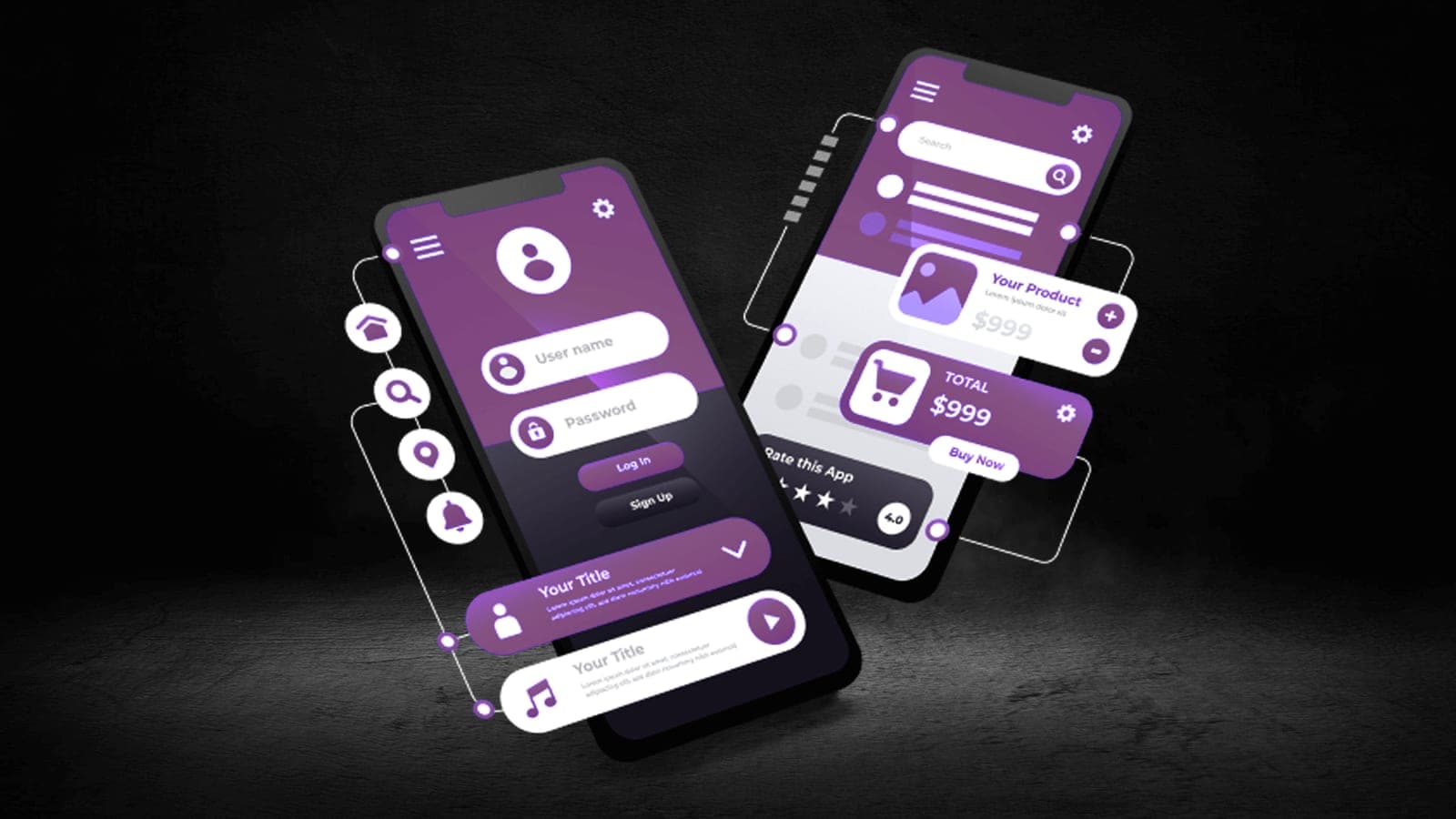

Cross-Platform Mobile Development: 3D Projects and Integration Scenarios
Using 3D content and animation in cross-platform mobile app development, and the integration scenarios involved.
In an age when the mobile world is growing rapidly, businesses and developers want to offer their users experiences that are both powerful and visually striking. As a result, cross-platform mobile development has steadily gained importance. The two technologies that stand out in this field — Flutter and Unity Engine — focus on different areas, yet in many projects today they can be used as solutions that complement one another.
In this article we look at the differences between Flutter and Unity, their potential for 3D project development, and how Unity animations can be integrated inside a Flutter application. Drawing on Arca Yazılım's expertise, we also explain which scenarios make using these two technologies together the right choice.
Flutter and Unity: Different but Complementary Worlds
Flutter is a modern UI framework developed by Google. It allows Android, iOS, web and desktop applications to be built from a single codebase, and it uses the Dart programming language. Its rapid development cycle, hot reload feature and flexibility in user interface work make it a favourite for enterprise applications in particular.
Unity Engine, meanwhile, is a powerful game engine optimised for 3D and 2D game development. Development is done in C#, and it includes advanced tools such as a physics engine, an animation system and a render pipeline. Unity is used widely not only for games but for AR/VR applications, 3D visualisation solutions and industrial simulations.
Although the two technologies serve different purposes, developers have in recent years begun bringing the best of both worlds together by running Unity-based scenes or animations inside a Flutter interface.
The Core Differences in Cross-Platform Development
From a cross-platform development perspective, the core differences between Flutter and Unity Engine are quite distinct. Flutter is a framework that works with the Dart programming language and focuses particularly on building mobile and web user interfaces. It is ideal for enterprise applications, dashboards, forms, business processes, e-commerce applications and projects weighted towards mobile UI. In performance terms it offers speed close to a native application, and it supports Android, iOS, web and desktop platforms.
Unity Engine works with the C# programming language and is a powerful game engine used mainly for 2D/3D game development, simulation, AR/VR projects and real-time visualisation solutions. It offers high GPU-based performance and supports more than 25 platforms, from mobile devices to games consoles and from desktop to VR headsets. This makes it stand out in projects requiring three-dimensional scene creation, animation, physics calculations, lighting and complex interaction.
On the integration side, Flutter has the flexibility to be used alongside Unity projects. A 3D scene or animation produced in Unity can run embedded inside a Flutter application. That allows Flutter's strength in UI and Unity's 3D/AR/VR capabilities to be combined in the same project. Unity's embeddable structure likewise makes hybrid projects possible within Flutter applications.
In short, Flutter is better suited to user interfaces and multi-platform mobile/web applications, while Unity Engine is a far better choice for visually rich 3D/AR/VR projects requiring real-time interaction.
Accordingly, Flutter is the best solution for interface and user interaction, while Unity is the ideal tool for visualisation and interactive content. In some projects, though — showing a 3D anatomy model in an educational application, say, or offering a 3D product preview in an e-commerce application — the two technologies may need to be used together.
Playing a Unity Animation Inside Flutter: How Is It Possible?
Combining Flutter and Unity offers a powerful scenario both technically and experientially. It is possible to play a Unity scene or animation inside a Flutter application. This is usually done through the "Flutter-Unity integration" or "Unity as a library" approach.
Step 1: Preparing Unity as a Library
Since the 2019 release, Unity has supported exporting part of a project as an Android or iOS library (an AAR or an iOS Framework). This makes 3D scenes, animations or game sections from the Unity project available for integration into a Flutter project.
Step 2: Creating a Unity View on the Flutter Side
On the Flutter side, the Unity project is embedded using flutter_unity_widget or a similar plugin. This widget lets you display the scene Unity renders within an area inside Flutter (inside a Container, for instance). The Flutter UI and the Unity scene can therefore appear on the same screen.
Step 3: Data Communication Between Flutter and Unity
To send data from Flutter to Unity or from Unity to Flutter, Platform Channels or the event stream mechanisms the plugin provides are used. When a user presses a button in the Flutter interface, for example, it can start an animation in Unity, or an event occurring in the Unity scene can be passed back to Flutter.
The Advantages the Integration Brings
Integrating Flutter and Unity gives projects considerable freedom in both design and functionality.
- A user-friendly interface plus a 3D experience: while Flutter is used to design fast, attractive UIs, Unity makes real-time 3D visuals or animations possible. - A performance advantage: because the Unity scene runs as a separate engine, 3D calculations do not affect Flutter's performance. - A single project structure: both the application's user interface and its interactive scenes can be managed under one package. - AR/VR support: AR scenes built with Unity's AR Foundation can be embedded inside a Flutter application.
This approach adds serious value in fields such as education, retail, healthcare, architecture and industrial simulation.
Application Examples
Using Flutter and Unity Engine together in an integrated way makes it possible to produce powerful, visually rich and performance-focused solutions such as educational and laboratory simulations, e-commerce applications with 3D product viewing, and AR and VR solutions.
Challenges and Points to Watch
Although Flutter-Unity integration offers considerable advantages, it brings some technical challenges too:
- The application's size can grow, especially once Unity's libraries are added.
- Native configuration may be needed on both the iOS and Android sides.
- If the Unity scene demands high processing power, performance may suffer on lower-specification devices.
Project requirements should therefore be analysed carefully at the planning stage of the integration.
Conclusion: The Best of Both Worlds
Although Flutter and Unity Engine are fundamentally different technologies, used together they create a powerful synergy. Combining Flutter's flexible interface architecture with Unity's 3D power is the key to creating unmatched user experiences in modern mobile applications.
If you too want to use 3D content or animation while building a cross-platform mobile application, integrating these two technologies is exactly what you need.
For more information, consultancy or project support, visit www.arcayazilim.com or write directly to info@arcateknoloji.com.