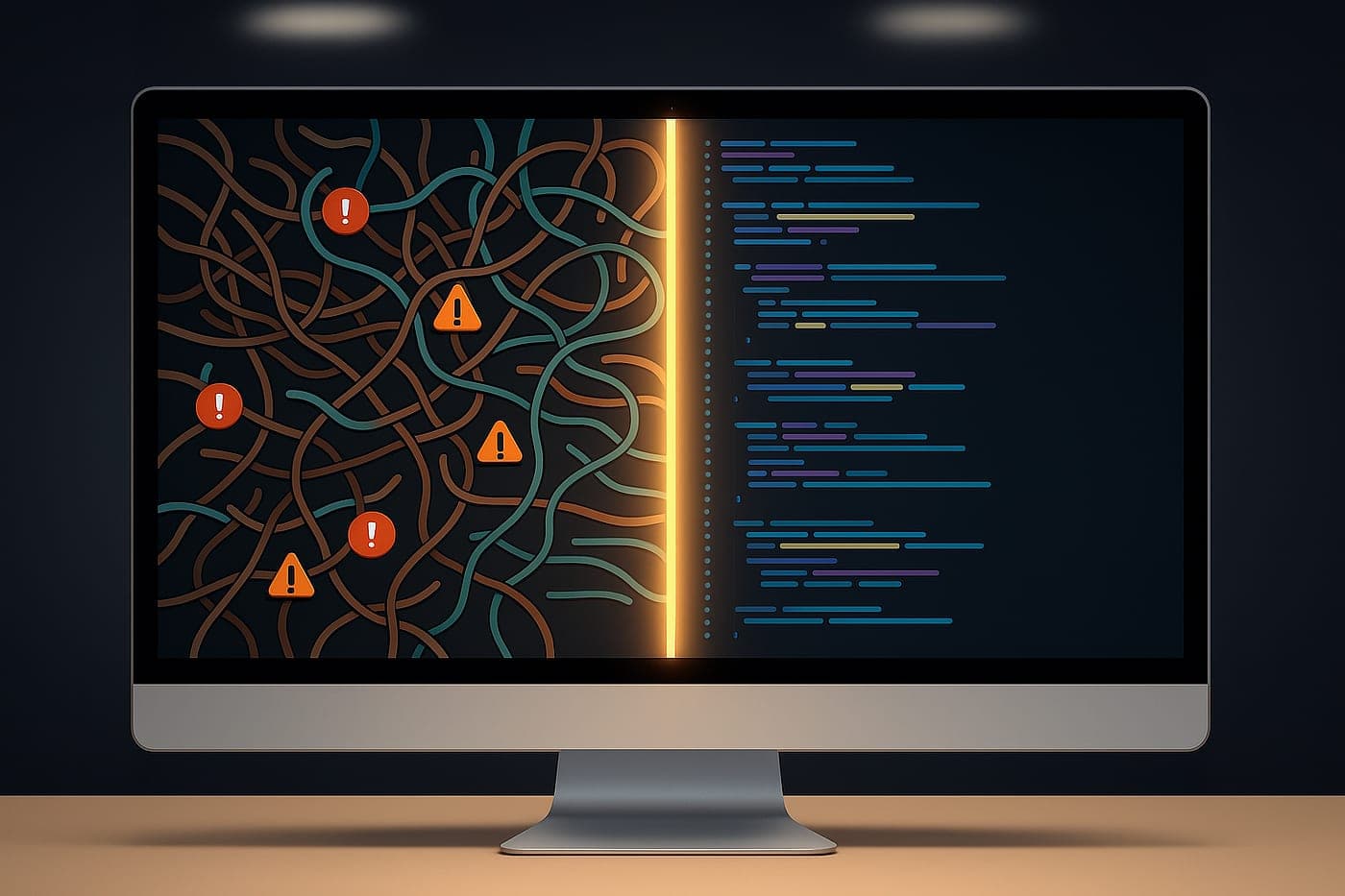

User Experience (UX) in Software
How do you improve user experience in software? Tips on interface, performance and accessibility.

Building successful software today is not limited to putting a strong infrastructure in place. Users being able to work the application easily, carry out what they came to do quickly and leave satisfied matters at least as much as technical achievement. User Experience (UX) has therefore become an indispensable part of modern software development.
A well-designed user experience raises user satisfaction while increasing how much the application is used, reducing support requests and contributing to the brand's credibility over the long term. In this article we look at the most effective ways to improve user experience while developing software.
What Is User Experience (UX)?
User experience covers everything a person experiences while using a website, mobile application or desktop software. Although it is often confused with interface design (UI), UX is a far broader concept covering not only visual design but:
- Ease of use,
- Performance,
- Accessibility,
- User satisfaction,
- Transaction speed,
- Error handling
as well.
An application that works flawlessly in technical terms, for instance, is not considered a success if the user cannot find what they came to do.
Do Not Start Building Before You Know Your Users

User analysis lies at the heart of successful UX work. Understanding the target audience's needs before development begins heads off costly changes later.
During analysis, answers should be sought to these questions:
- What will the user use the application for?
- What are the tasks they perform most often?
- What is their level of technical knowledge?
- Which devices do they use?
- What are their biggest problems?
In real projects, short interviews or surveys with users give far more accurate results than guesswork.
Design a Simple, Understandable Interface
Cluttered screens are one of the main reasons users abandon an application.
In a good user interface:
- Unnecessary buttons are avoided.
- The menu structure is kept simple.
- The same design language is maintained across every screen.
- Colours are chosen so as not to distract.
- Text is used at a readable size.
A user being able to find what they want within a few seconds is one of the clearest signs of good UX.
Keep Software Performance to the Fore
One of the biggest factors harming user experience is a slow application.

To improve performance:
- Unnecessary data queries should be reduced.
- Pages should open as quickly as possible.
- Large images should be optimised.
- Caching should be used.
- API requests should be optimised.
In an administration panel, for example, a report screen opening in 2 seconds rather than 8 raises user satisfaction noticeably.
Do Not Neglect Mobile Compatibility
The majority of users today carry out transactions from mobile devices.
The software being built should therefore:
- Have a responsive design,
- Be easy to use by touch,
- Perform well on mobile,
- Stay readable on small screens.
When the mobile user experience is overlooked, losing users becomes inevitable.
Bring User Feedback into the Process
One of the most common mistakes developers make is seeking users' views after the project is finished.
Instead:
- Beta tests should be run,
- User comments should be collected,
- Error reports should be analysed,
- Real usage scenarios should be examined.
Real user behaviour often reveals habits developers could not have predicted.
Make Error Messages Understandable
Technical error messages usually mean nothing to users.
Instead:
Wrong: "Error 500". Right: "This cannot be completed at the moment. Please try again in a few minutes."

Messages explaining what happened and how the user can resolve it make for a far more positive experience.
Do Not Forget Accessibility
Modern software should be usable by everyone.
To that end:
- Keyboard use should be supported.
- Colour blindness should be taken into account.
- Images should carry ALT descriptions.
- Contrast ratios should be sufficient.
- Screen reader support should be provided.
Accessibility creates a better experience not only for people with particular needs but for all users.
Keep Testing the User Journey
UX work is not done at the design stage alone.
After the software is released, the following should also be followed regularly:
- Heat maps,
- User analytics,
- Click behaviour,
- Form abandonment rates,
- Conversion analysis

on a regular basis.
Real usage data is the most effective way to measure whether the decisions taken during development were right.
An Example from Real Experience
While developing an enterprise administration panel, reaching the reporting screen users needed most often took five separate menu steps. Following feedback from users, the menu structure was simplified and the report screen was made accessible directly from the home page. Report generation time was also optimised, cutting the wait considerably. After these improvements, user satisfaction rose visibly while requests reaching the support team such as "I can't find the report" and "the page takes too long to open" fell markedly. This example shows clearly how valuable user feedback is in UX work.
A UX Checklist for the Software Development Process
Every item below should be checked before release.
- Have user needs been analysed?
- Is the interface simple and understandable?
- Have page load times been optimised?
- Has mobile compatibility been tested?
- Have user tests been carried out?
- Are error messages user-friendly?
- Have accessibility standards been met?
- Has real user feedback been assessed?
Conclusion
A successful software development process is not complete with working code alone. Users learning the application easily, using it quickly and meeting their needs without difficulty matters at least as much as technical quality. Software built with user experience in mind delivers higher user satisfaction, increases usage and reduces maintenance costs over the long term.
Bringing UX into every stage of development offers significant advantages to developers and end users alike.
To find out more about this subject you can reach us on 0312 256 72 78, and for detailed information and our other solutions you can visit www.arcayazilim.com.